
 weidian
Kakobuy Spreadsheet
Kakobuy Spreadsheet
Browse seller listings from Weidian, Taobao and 1688, compare estimated USD prices, photos and available options, then open the seller link in Kakobuy.
Browse by category
Browse the Kakobuy Spreadsheet by category
Explore clothing, shoes, bags, accessories and other seller listings organized by product type.
New in the spreadsheet
Recently added listings
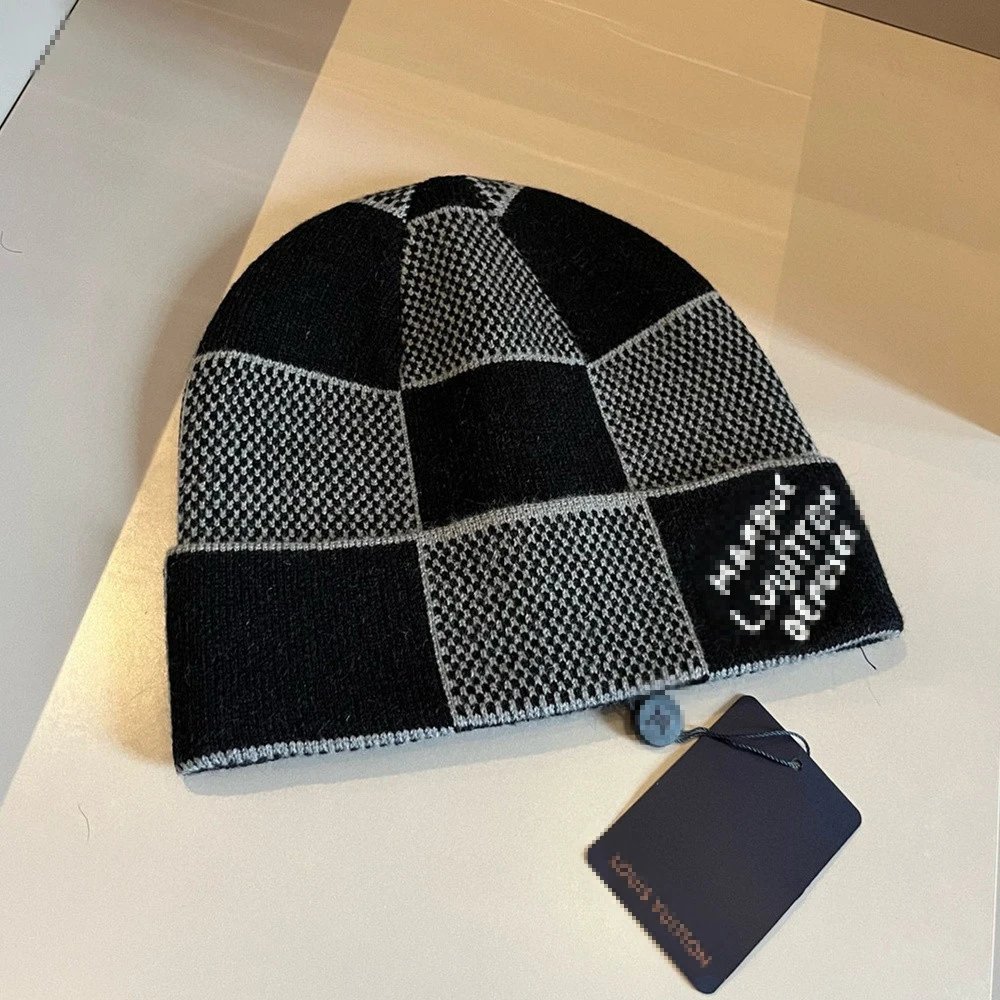
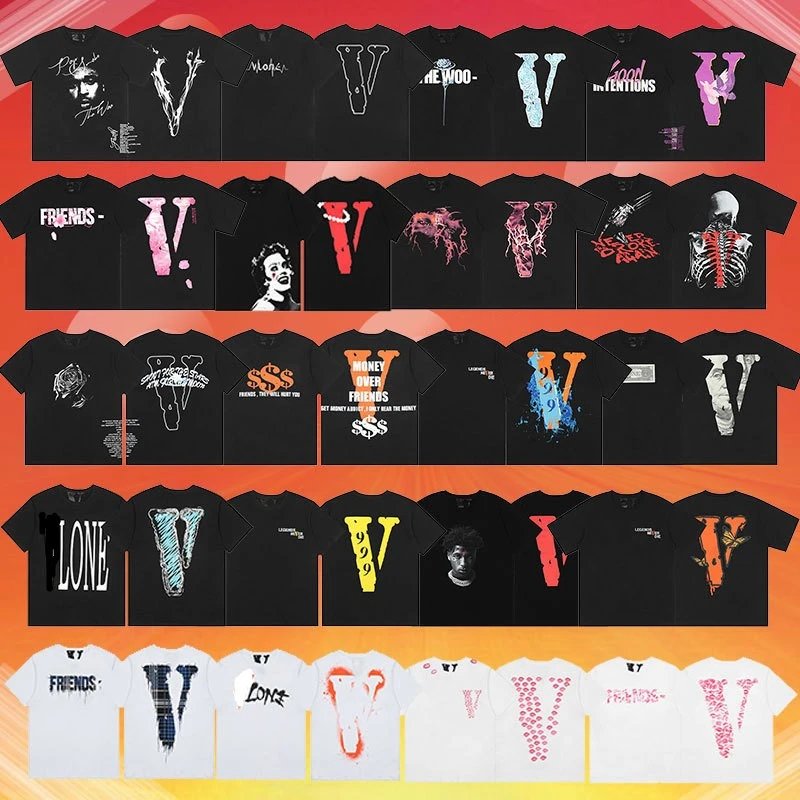
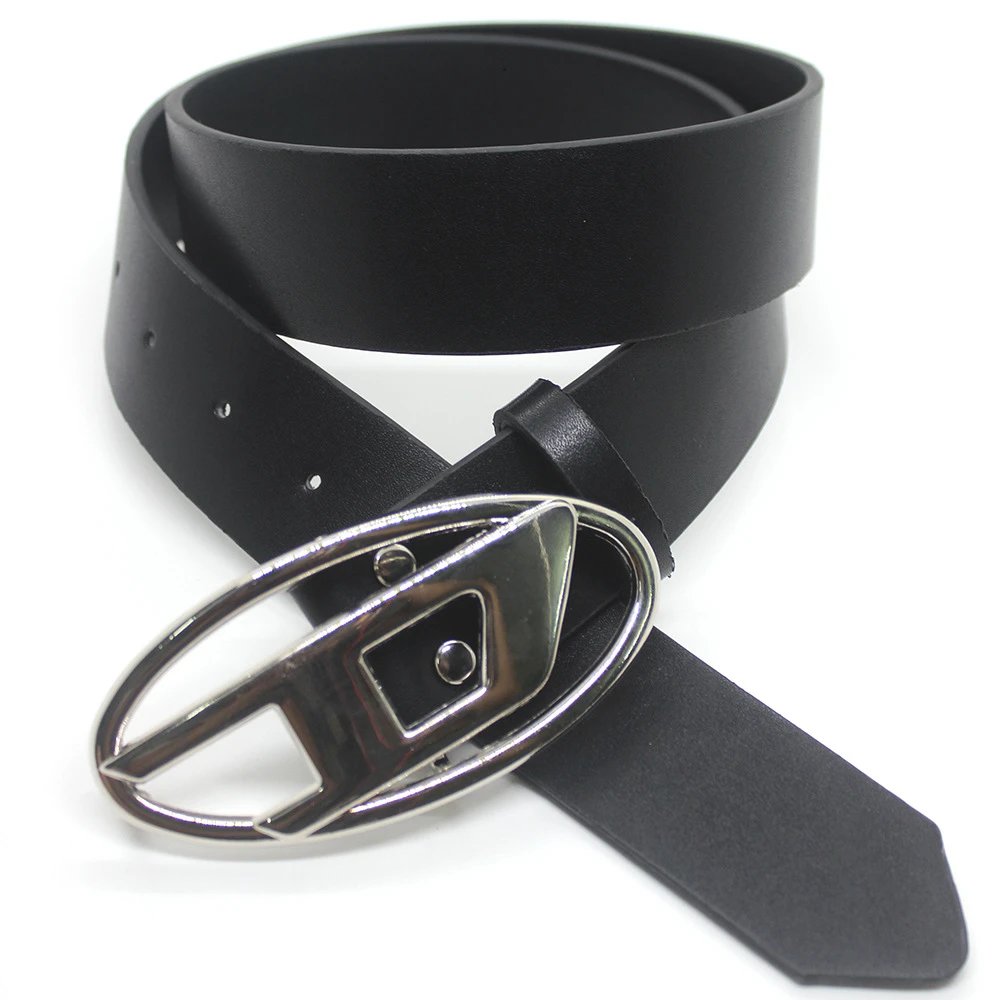
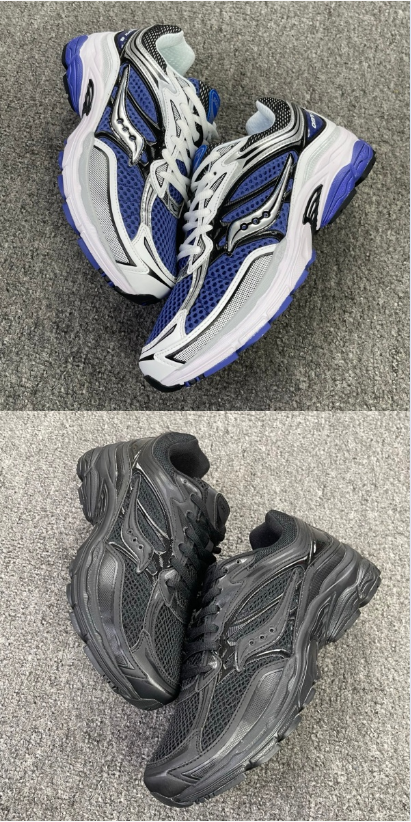
Browse seller listings recently added to the spreadsheet. Open any item to review its photos, price estimate and available options.







Why use this spreadsheet
Compare seller listings before opening Kakobuy
The Kakobuy Spreadsheet organizes product links from Chinese marketplaces into searchable categories. Use clear product names to compare estimated USD prices, listing photos and available seller options.
Each product page keeps the original marketplace link available, so you can copy it or open it in Kakobuy after reviewing the listing details.
Browse the full spreadsheetSearch by product or category
Use keywords to find a product, brand or category across the spreadsheet.
Estimated prices in USD
Compare seller prices with a convenient estimated conversion from CNY to USD.
Product photos and options
Preview the seller photos, available styles, sizes and reference QC images provided for an item.
Open links in Kakobuy
When a listing looks right, open its seller link in Kakobuy to review the current price, stock and options.
FAQ
Kakobuy Spreadsheet FAQ
Answers to common questions about product searches, estimated prices, marketplace links and product information.
What is the Kakobuy Spreadsheet?
The Kakobuy Spreadsheet is a searchable directory of seller listings from Chinese marketplaces. It organizes links with clear titles, categories, estimated USD prices, photos and available styles or sizes, making it easier to compare listings before opening one in Kakobuy.
What is Kakobuy?
Kakobuy is a shopping agent that helps international buyers order from Chinese marketplaces such as Taobao, Weidian and 1688. After you choose a marketplace product, Kakobuy can handle the purchasing, warehouse and international shipping steps.
Which marketplaces are included?
The spreadsheet includes seller listings from Weidian, Taobao, Tmall, 1688 and other Chinese marketplaces. Each product page identifies the source marketplace and provides the original seller link when it is available.
How do I search for a product?
Enter a product name, brand or item type in the search box. You can also browse the Kakobuy Spreadsheet by category when you want to compare similar products.
Why are prices shown in USD?
Chinese marketplace sellers usually list prices in CNY. The spreadsheet displays an estimated USD conversion so listings are easier to compare. Exchange rates, seller prices and option-level prices may change, so confirm the final amount in Kakobuy before ordering.
Why do some products have fewer photos or options?
Photos, styles and sizes come from the original marketplace listing. Some sellers provide a complete gallery with option images, while others publish only a main photo or text-based choices. The spreadsheet shows the information available for that item.
How do I open a product in Kakobuy?
Open the product detail page and select Open Kakobuy Link. You will continue to the item page in Kakobuy, where you can review the current seller listing, choose the correct product option and continue with your purchase.
What are QC photos?
QC photos are warehouse inspection images associated with a product. When available, they can help you review visible details such as shape, color, materials and stitching. Inspection photos for your own order may differ.
Ready to browse?